다음 단계는 여기서 시작됩니다.
업무, 창작, 집, 디지털 생활. 실제 앱을 탐색하고 나만의 LogicaOS 환경을 구성하세요.
















일상에 더해질 가능성을 만나세요.
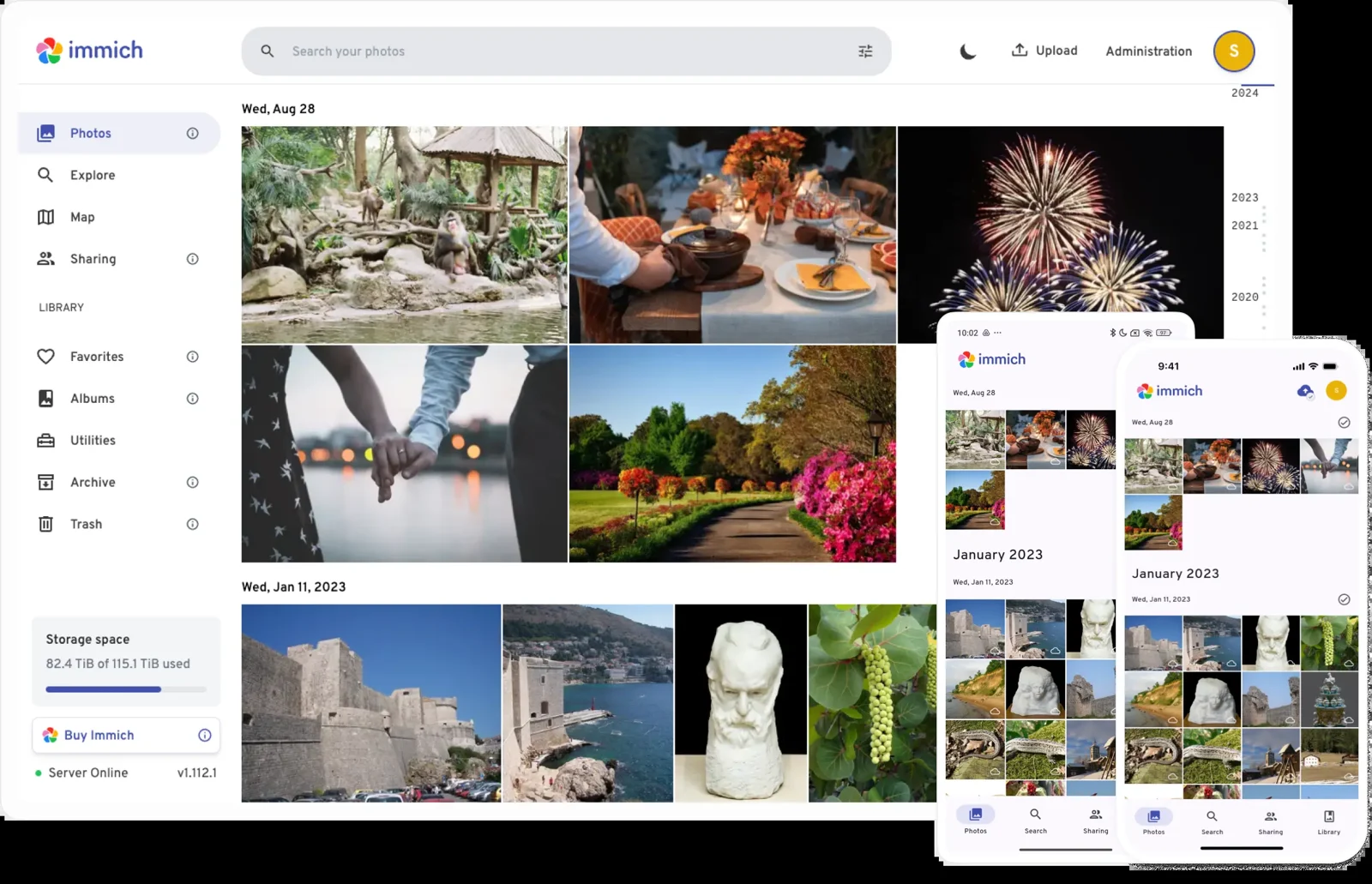
Immich
Bring your photos and videos into a personal library. Browse memories, inspect metadata and create albums for the moments that matter.
- A library of memoriesBrowse photos and videos uploaded to your installation.
- Albums with a purposeGroup existing files without duplicating your library.
모든 아이디어를 위한 컬렉션.
중요한 것을 찾으세요
Documents, files and knowledge for you and your team.

집을 돌보세요
Comfort, your pantry and the equipment in your daily life.


이야기를 위한 공간
Photos, music, videos and books in libraries of your own.

맥락 있는 고객 지원
Conversations, support tickets, proposals and campaigns in one environment.


업무를 진전시키세요
Projects, code and automations to keep your ideas moving.

모든 것을 가까이에
Synchronized folders and backups through dedicated apps.
당신의 세계를 넓힐 앱을 찾으세요.
Browse by category, search a name or discover something new. Every app brings a different possibility to your environment.
146개 중 12개 앱
This selection brings together applications from the package catalogue. The Store also includes LogicaOS apps, skills and connectors. Access and manage your apps through Logica Deck. Installation, resources and availability depend on your environment.
Logica Home. 연결된 나만의 공간.
Home, cameras, presence and devices together in an application. Installed and accessed through Deck, Home brings the LogicaOS experience into everyday life.
Logica Deck Logica HomeLogicaOS 앱
설치에서 시작하는 관리 주기.




탐색
카테고리와 검색을 살펴보고 선택 전에 앱의 설명, 기능과 요구 사항을 확인합니다.
스킬로 팀의 역량을 넓힙니다.
스토어에서 설치된 스킬도 확인합니다. 제작, 조사, 개발 등 전문 분야의 가이드와 자원을 제공하며 사용 가능한 에이전트와 필요한 조건을 확인할 수 있습니다.
Deck에서 인식하는 스킬의 예입니다. 사용 시 외부 서비스 계정, 인증 정보와 로컬 자원이 필요할 수 있습니다.
에이전트의 동작 방식을 직접 정합니다.
연동된 앱은 앱별로 자율성을 설정합니다. 계정 접근 권한, 인증 정보와 활성화된 동작이 수행 범위를 정합니다.

지원
자율성을 켜면 위험이 낮은 동작은 진행할 수 있습니다. 위험 평가를 통해 승인 요청이 필요한 시점을 정합니다.
개념도